
Reply to new website leads instantly
“People fill out the contact form on our site, but by the time I reply a few hours later, they've already booked with someone else.”
Customer Communication
“Customers wait hours for confirmation emails and staff miss urgent lead notifications because alerts are sent manually.”
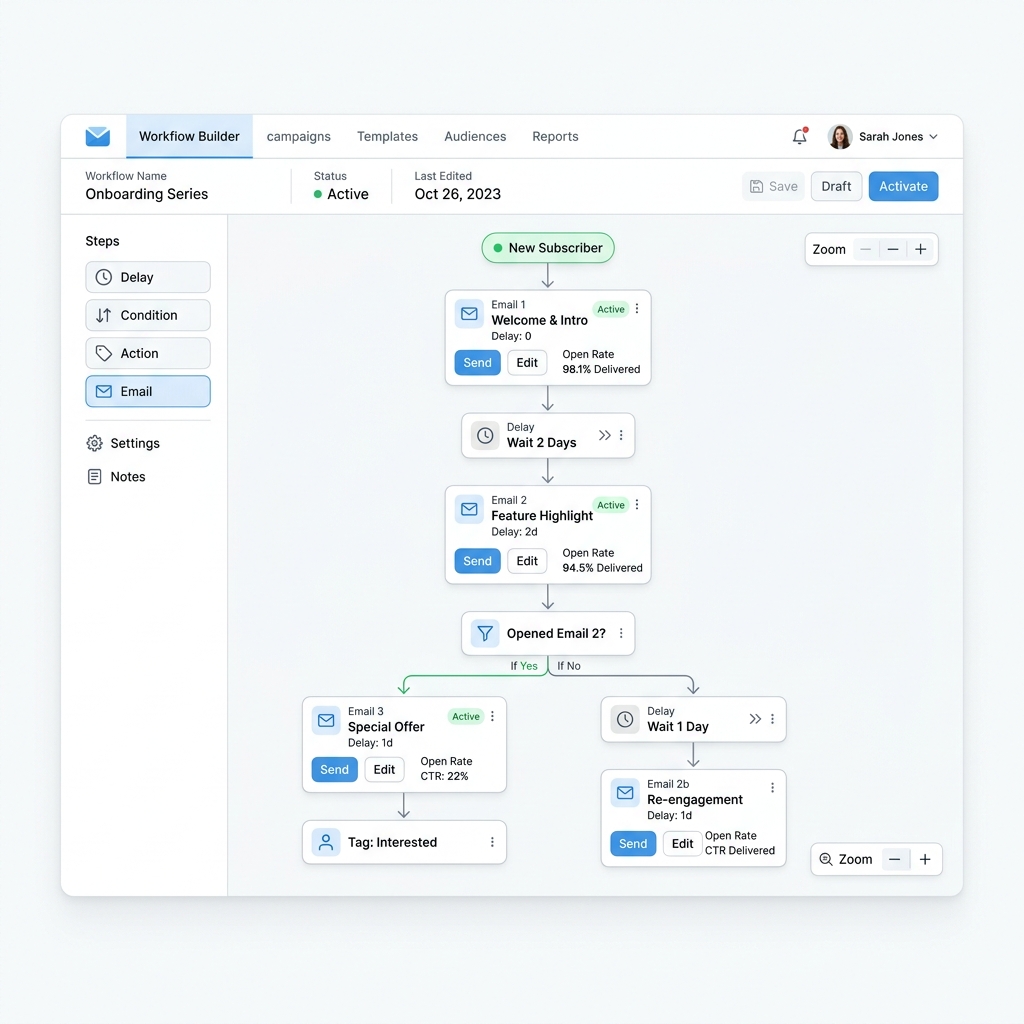
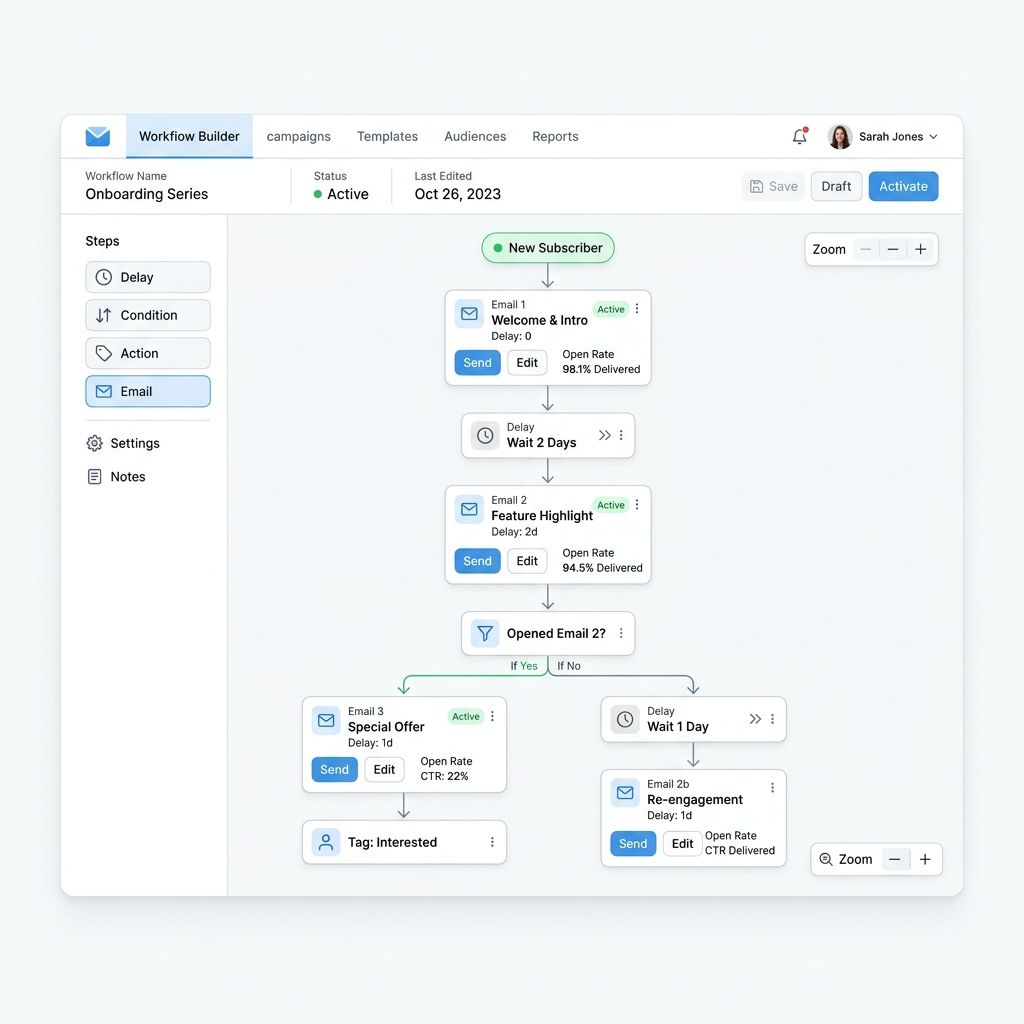
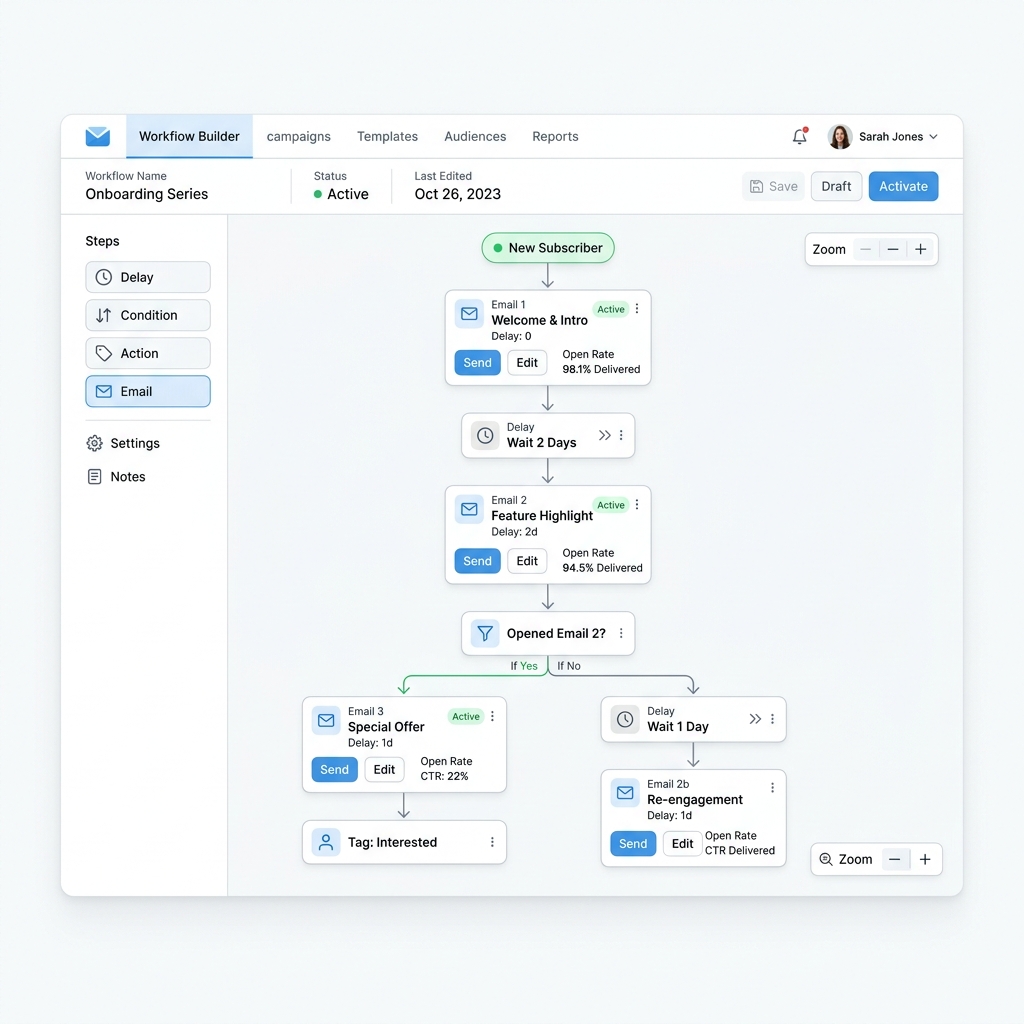
Set up an event-driven webhook pipeline connecting your database or web forms directly to a dedicated transactional email service (Postmark or SendGrid). When a customer registers, submits an intake form, or completes a payment, a webhook fires immediately, delivering a branded confirmation email to the client and an urgent alert to your team in under 5 seconds. This guarantees instant response times without relying on bloated, expensive middleware queues.
How we estimated that: Assumes ~3 hours a week previously spent manually forwarding lead alerts and sending manual confirmation receipts to new customers. This is a model, not a measurement — check it against your own numbers, because if the assumption does not match your business the figure will not either.
We are not paid by any tool listed here. If a cheaper or better option exists, that's what you'll see.
Pricing above was checked on 2026-08-02. Vendors change their terms without notice, and free tiers do get withdrawn. We take no money from any vendor listed here. If something on this page is out of date, tell us and we will correct it.
Original tutorial by Shortcut Academy · Watch full video on YouTube →
Add standard DNS records (DKIM, SPF, and DMARC) in your domain registrar (Cloudflare, GoDaddy) to ensure transactional emails land in inboxes, not spam folders.
Design transactional templates (Order Confirmation, Appointment Booked, Intake Received) with dynamic merge tags (`{{customer_name}}`, `{{summary}}`).
Trigger an HTTP POST request to the transactional email API the moment a database row is inserted or a form is submitted.
Simultaneously route a high-priority alert to your team's internal Slack channel, Telegram bot, or dispatch SMS inbox.
Last reviewed 2026-08-04. Tools change — if something here is out of date, tell us and we'll fix it.
“People fill out the contact form on our site, but by the time I reply a few hours later, they've already booked with someone else.”
“Our software tools can't talk to each other without paying for expensive middleware tasks or dealing with fragile point-to-point connections.”
Stop duct-taping your business together. Book a Discovery Session — if we can't find you four hours a week, we refund the fee and you keep everything we found.