
Stop chasing late payments
“I spend hours every week looking through Quickbooks and emailing clients who haven't paid their invoices.”
Invoicing & Payments
“We waste hours every month creating manual invoices, chasing declined credit cards, and updating client billing info.”
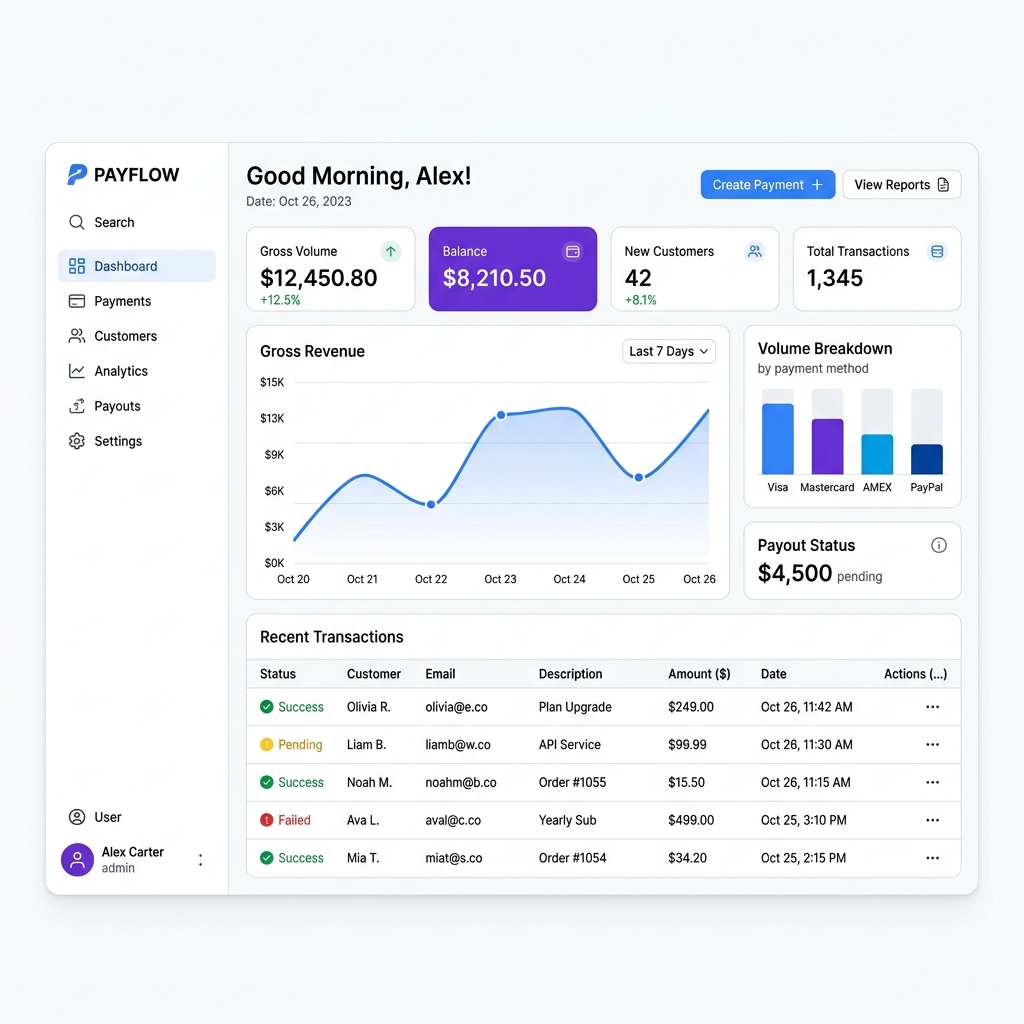
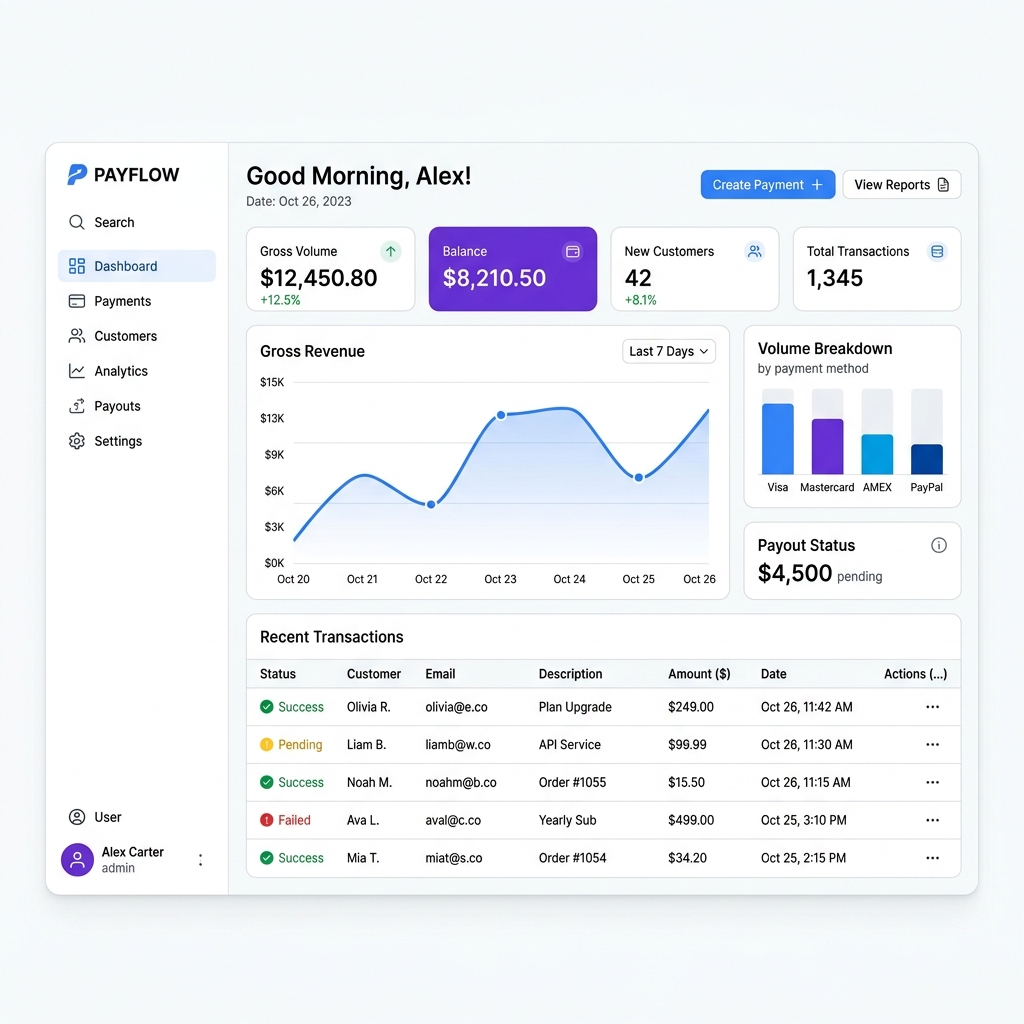
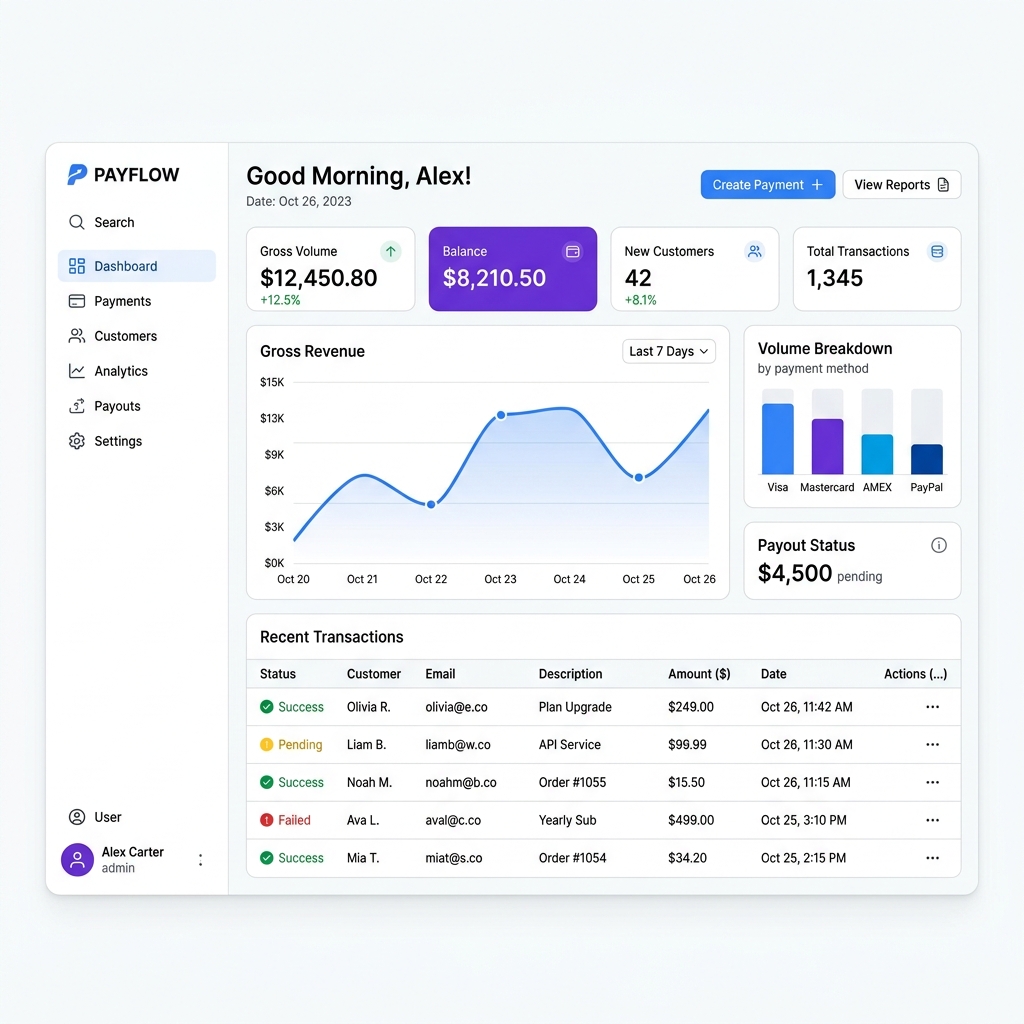
Implement automated subscription billing and self-serve customer management using the Stripe API. Stripe automates recurring charges, calculates metered usage, sends automated receipts, and uses machine-learning Smart Retries to recover failed payments without staff intervention. Clients can upgrade plans or update expiring credit cards directly through a secure, self-service customer portal, eliminating involuntary churn and manual invoicing drag.
How we estimated that: Assumes ~4 hours a week previously spent issuing manual invoices, following up on expired credit cards, and processing card updates over the phone. This is a model, not a measurement — check it against your own numbers, because if the assumption does not match your business the figure will not either.
We are not paid by any tool listed here. If a cheaper or better option exists, that's what you'll see.
Pricing above was checked on 2026-08-02. Vendors change their terms without notice, and free tiers do get withdrawn. We take no money from any vendor listed here. If something on this page is out of date, tell us and we will correct it.
Original tutorial by Benzaiten Media · Watch full video on YouTube →
Set up your recurring service plans (Monthly Maintenance, Retainer, Subscription) in the Stripe Dashboard with defined billing intervals.
In Settings > Billing > Retries, enable Smart Retries and turn on automated emails prompting customers to update failed payment cards.
Activate the hosted Stripe Customer Portal so clients can securely download PDF invoices, change billing details, and update payment cards self-serve.
Listen for `invoice.paid` and `customer.subscription.deleted` webhooks to automatically provision client access or notify your account manager.
Last reviewed 2026-08-04. Tools change — if something here is out of date, tell us and we'll fix it.
“I spend hours every week looking through Quickbooks and emailing clients who haven't paid their invoices.”
“Our software tools can't talk to each other without paying for expensive middleware tasks or dealing with fragile point-to-point connections.”
Stop duct-taping your business together. Book a Discovery Session — if we can't find you four hours a week, we refund the fee and you keep everything we found.