
Cut no-shows with automatic appointment reminders
“People book and then just don't turn up, and that empty slot is gone for good.”
Scheduling & Appointments
“I keep my own calendar and the booking system has its own, and I've double-booked myself twice this month.”
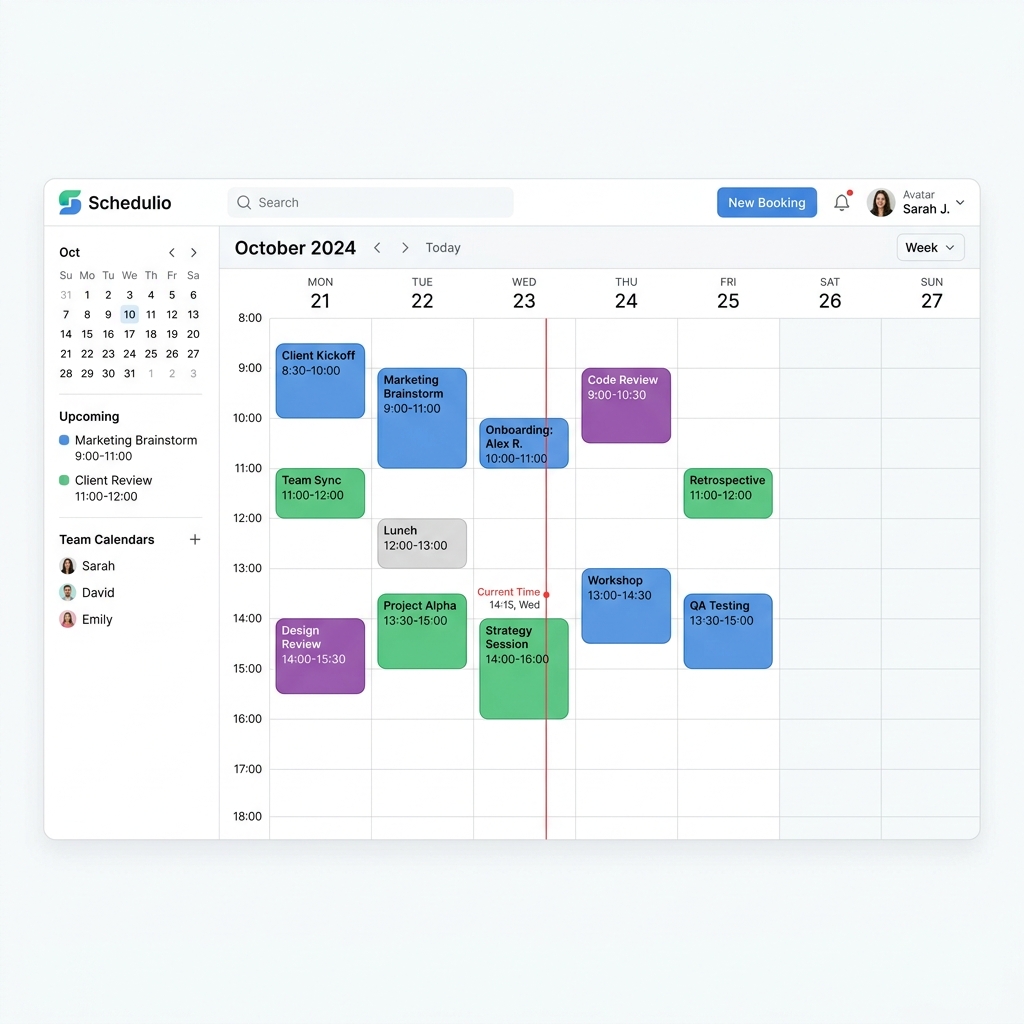
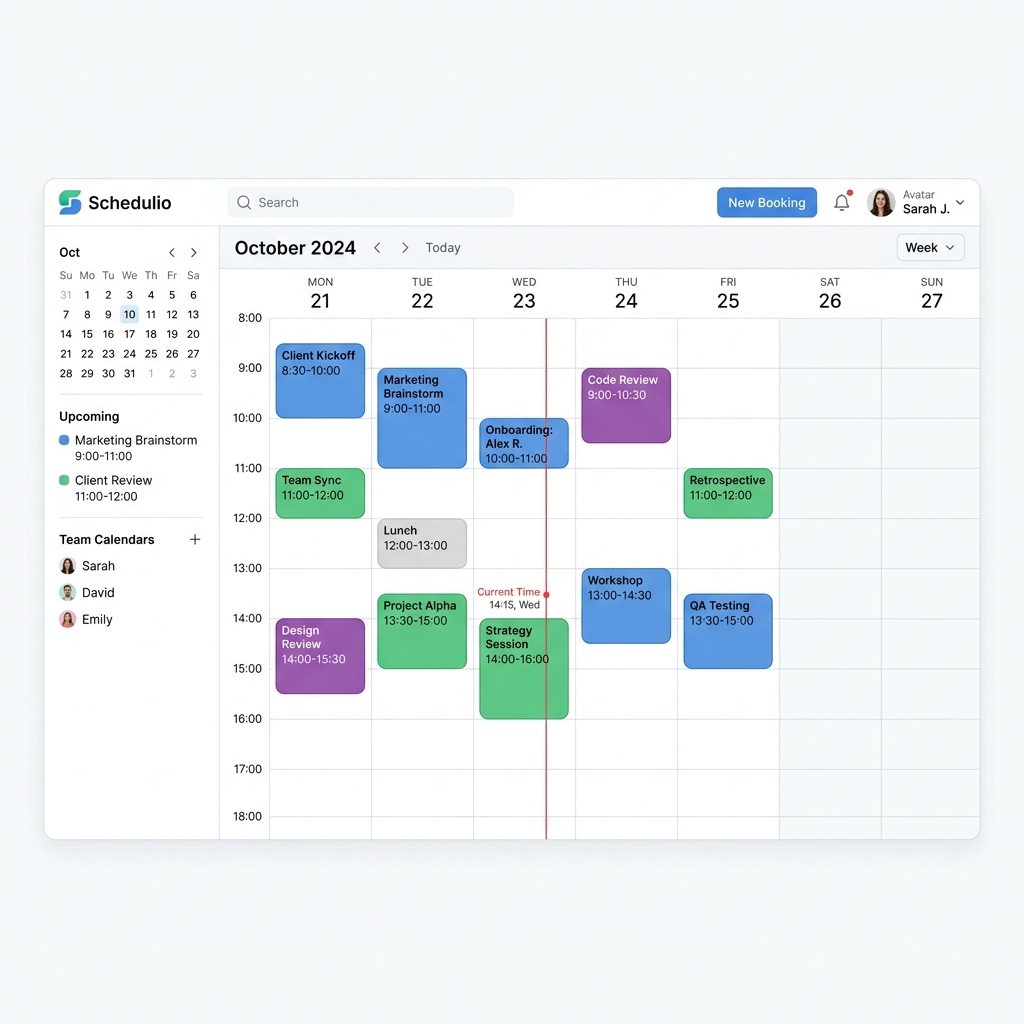
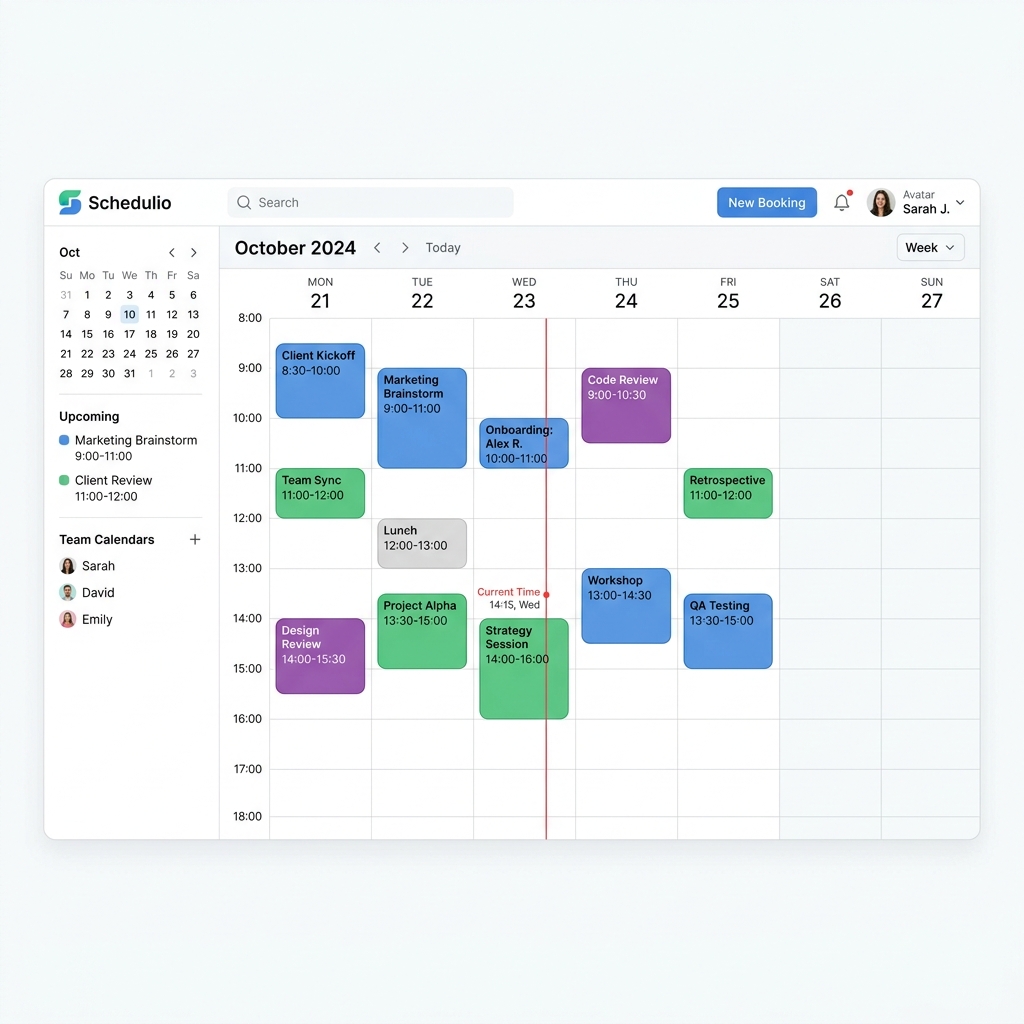
Connect every calendar you use so a booking in any one of them blocks that time in all the others. Almost every double-booking happens because a personal calendar and a booking system never talk to each other. Two-way sync closes that gap in about ten minutes, uses features already included in tools you have, and removes the apology call for good.
How we estimated that: Assumes 1 conflict a week and around an hour of apology, rescheduling and knock-on disruption. This is a model, not a measurement — check it against your own numbers, because if the assumption does not match your business the figure will not either.
We are not paid by any tool listed here. If a cheaper or better option exists, that's what you'll see.
Pricing above was checked between 2026-08-01 and 2026-08-06. Vendors change their terms without notice, and free tiers do get withdrawn. We take no money from any vendor listed here. If something on this page is out of date, tell us and we will correct it.
Original tutorial by Harry's Help Tutorials · Watch full video on YouTube →
Work calendar, personal calendar, the booking system, and any shared clinic calendar. Double-bookings live in whichever one you forgot.
Usually the one on your phone, because that is the one you actually look at. Everything else syncs to it.
Look for Calendar Sync or Connected Calendars in settings. Two-way matters: one-way only shows bookings, it does not block your personal commitments from being booked over.
Ten to fifteen minutes in the booking settings. Back-to-back bookings with no gap are the second most common cause of an overrun that looks like a double-booking.
Put a fake event on your personal calendar, then try to book that slot through your public booking link. If it lets you book, the sync is one-way and not finished.
Last reviewed 2026-08-01. Tools change — if something here is out of date, tell us and we'll fix it.
“People book and then just don't turn up, and that empty slot is gone for good.”
“When someone cancels 24 hours out, I have to frantically text people to try and fill the spot.”
Stop duct-taping your business together. Book a Discovery Session — if we can't find you four hours a week, we refund the fee and you keep everything we found.