
Operations
Consolidate accounts and cash flow with Fidelity Full View
“Our finances and card accounts are scattered across multiple institutions and spreadsheets with no unified spending view.”
The short answer
Activate Full View within your Fidelity dashboard to aggregate external checking, credit card, and loan balances into an ad-free cash-flow control center. Configure custom categorization rules so recurring overhead and personal distributions separate automatically without manual spreadsheet entry. Reviewing consolidated monthly spending reports backed by enterprise brokerage security uncovers cash drag without third-party ad clutter.
- ~2 hours/week back (estimated)
- 15 minutes to set up
- Easy difficulty
How we estimated that: Assumes 2 hours per week saved from manual spreadsheet reconciliation and multi-bank login aggregation. This is a model, not a measurement — check it against your own numbers, because if the assumption does not match your business the figure will not either.
What you'll need
- Fidelity Full View free tier
Ad-free financial aggregation backed by Fidelity brokerage security.
Free until: Free indefinitely for anyone holding an active Fidelity account (zero minimum balance required).
Watch the pricing: Requires a free Fidelity account. There are zero third-party advertisements, credit card affiliate pitches, or hidden subscription charges.
Pricing checked 2026-09-18 — source.
Step-by-Step Implementation
We are not paid by any tool listed here. If a cheaper or better option exists, that's what you'll see.
Pricing above was checked on 2026-09-18. Vendors change their terms without notice, and free tiers do get withdrawn. We take no money from any vendor listed here. If something on this page is out of date, tell us and we will correct it.
Watch the quick setup (58s)
Original tutorial by Trader How To · Watch full video on YouTube →
How to set it up
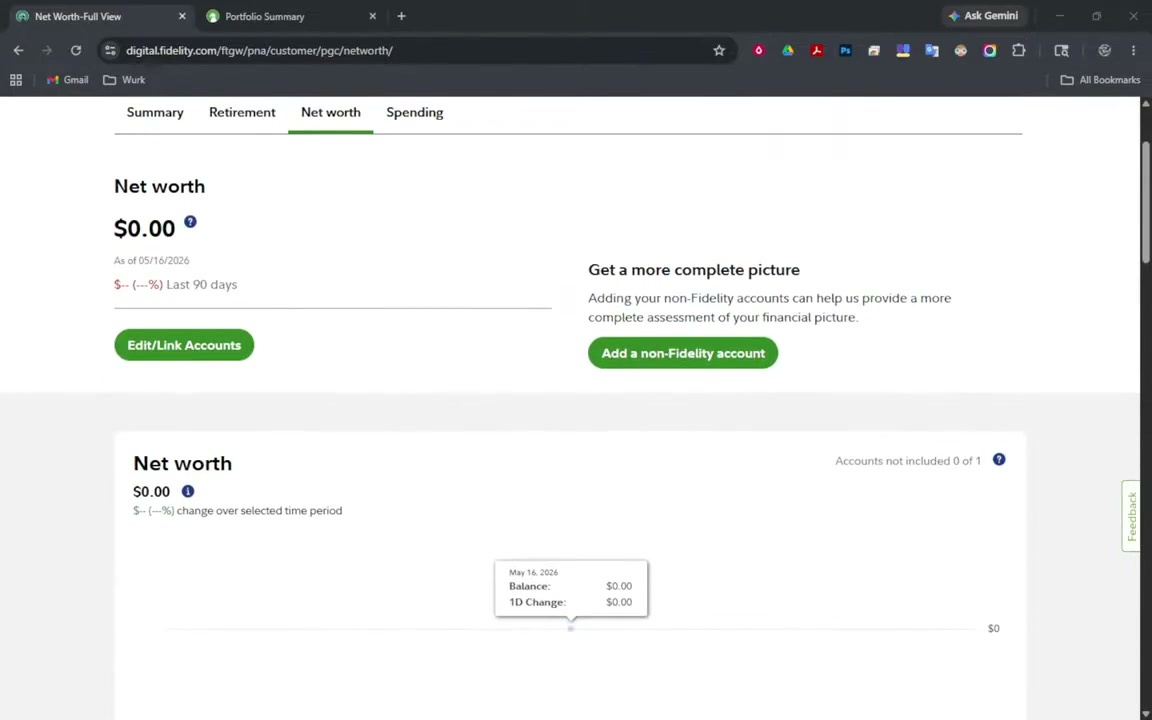
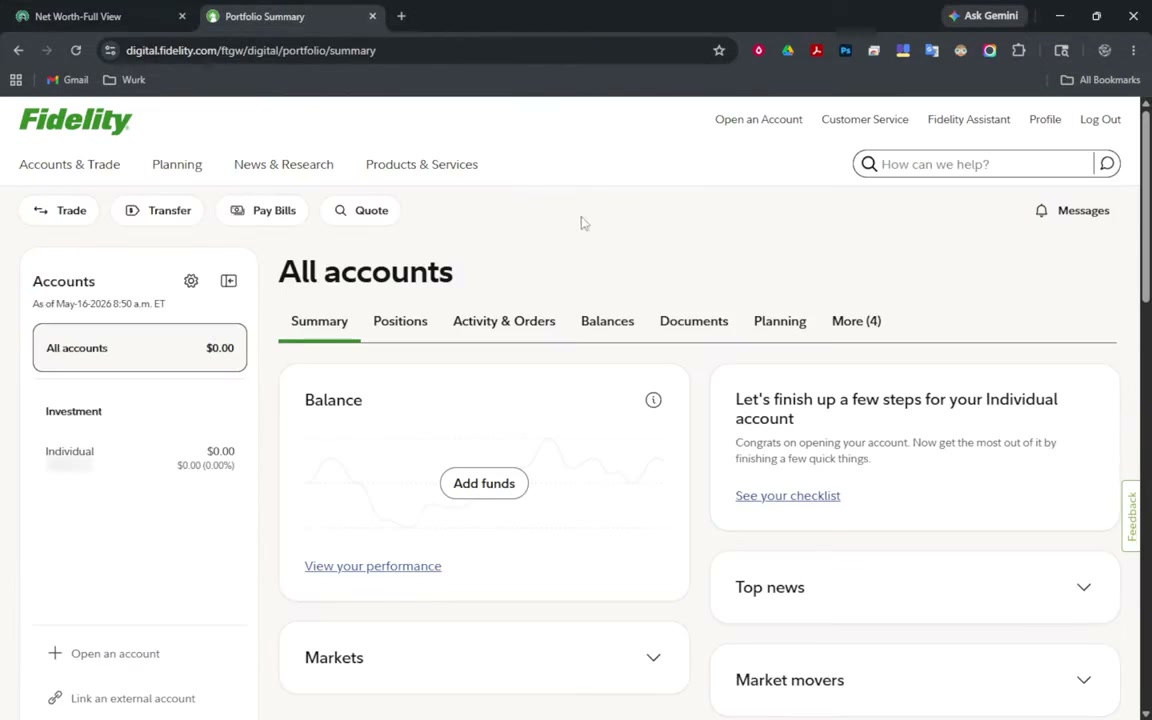
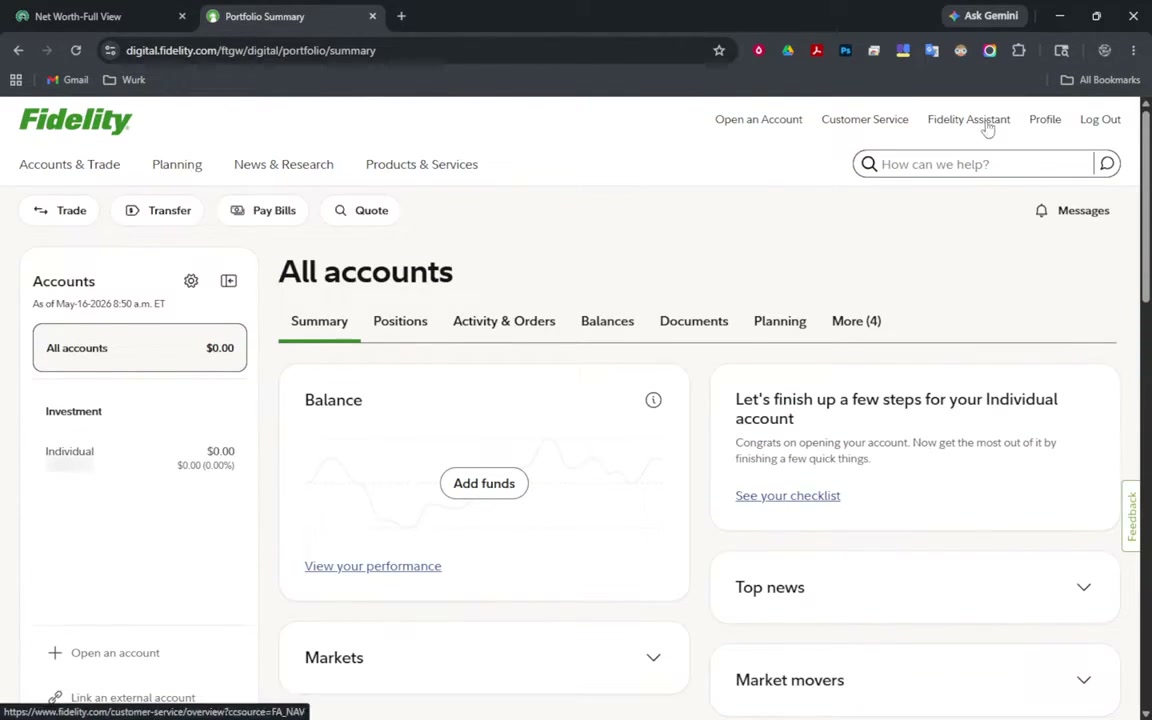
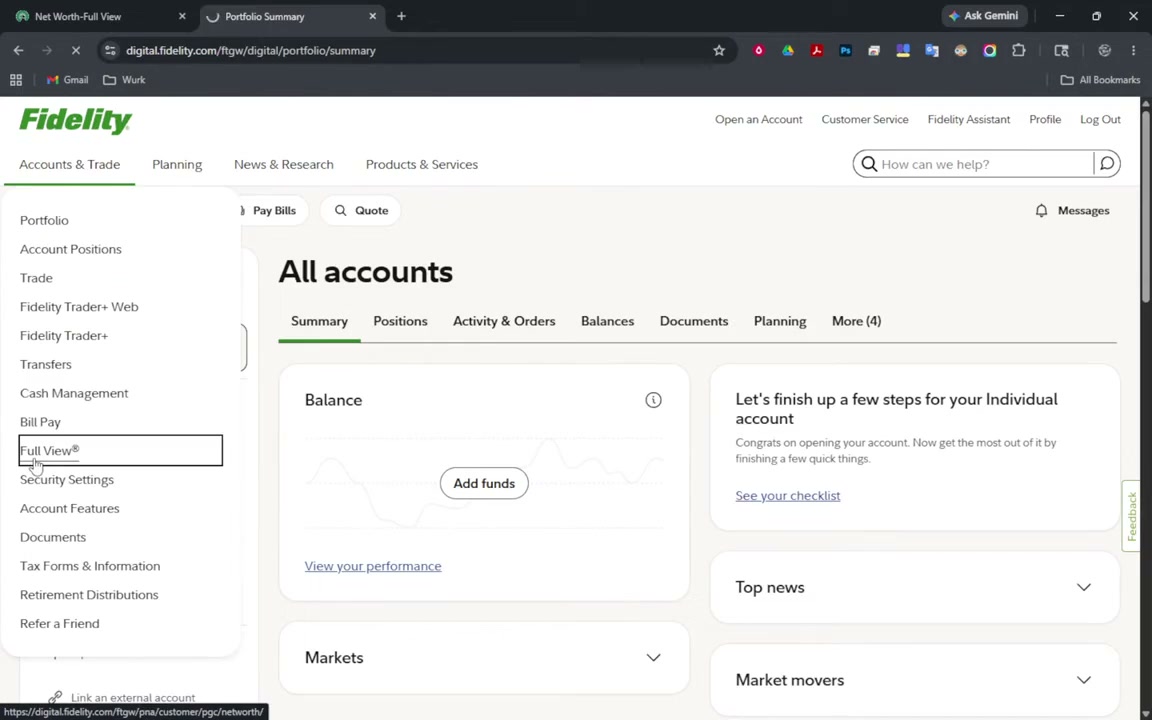
- Log into Fidelity and open Full View
Navigate to Planning & Advice in your Fidelity portal and select Full View to access the aggregation workspace.
- Connect non-Fidelity financial accounts
Click Add Non-Fidelity Accounts to link your outside business checking, credit card, and mortgage accounts via Akoya and eMoney data integrations.
- Define custom categorization rules
Review recent imported transactions and assign automated category rules for business expenses, software, travel, and payroll distributions.
- Generate monthly cash-flow and net-worth reports
Review the Spending & Cash Flow reports each month to track overhead trends and verify balances across all external institutions in one clean view.
Common questions
- Is Fidelity Full View free?
- Yes. Fidelity Full View is provided at no charge to anyone with a Fidelity brokerage, cash management, or retirement account. There are no subscription fees or third-party advertisements.
- How does Fidelity Full View connect to outside banks?
- Fidelity Full View uses eMoney and Akoya data networks to establish secure, read-only connections with external institutions. Login credentials are protected by enterprise financial security protocols.
Last reviewed 2026-09-18. Tools change — if something here is out of date, tell us and we'll fix it.
Got a different problem?
Using 3+ disconnected tools?
Stop duct-taping your business together. Book a Discovery Session — if we can't find you four hours a week, we refund the fee and you keep everything we found.