
Invoicing & Payments
Audit and cancel unwanted recurring subscriptions with Rocket Money
“Recurring software subscriptions and sneaky vendor fees keep hitting our cards without anyone noticing.”
The short answer
Connect your primary operating accounts to Rocket Money via read-only Plaid aggregation to surface recurring subscriptions, zombie vendor fees, and price increases across all cards. Review the auto-detected recurring charges tab, flag inactive software or duplicate SaaS accounts, and cancel them directly with vendor cancellation links. Setting automated low-balance and bill alerts prevents forgotten vendor renewals from draining reserves.
- ~2 hours/week back (estimated)
- 15 minutes to set up
- Easy difficulty
How we estimated that: Assumes 2 hours per month saved by eliminating manual card statement audits and catching inactive software subscriptions before automatic renewals trigger. This is a model, not a measurement — check it against your own numbers, because if the assumption does not match your business the figure will not either.
What you'll need
- Rocket Money free tier
Ideal for surfacing forgotten subscriptions and price increases across multiple linked credit cards.
Free until: Free tier covers Plaid bank linking, automated transaction tracking, recurring subscription monitoring, and balance alerts.
Watch the pricing: Premium features (custom budget categories, net worth tracking, automated cancellation concierge) cost to /month on a sliding scale (pricing checked 2026-09-18). Bill negotiation charges 30% to 60% of first-year savings upon success.
Pricing checked 2026-09-18 — source.
Step-by-Step Implementation
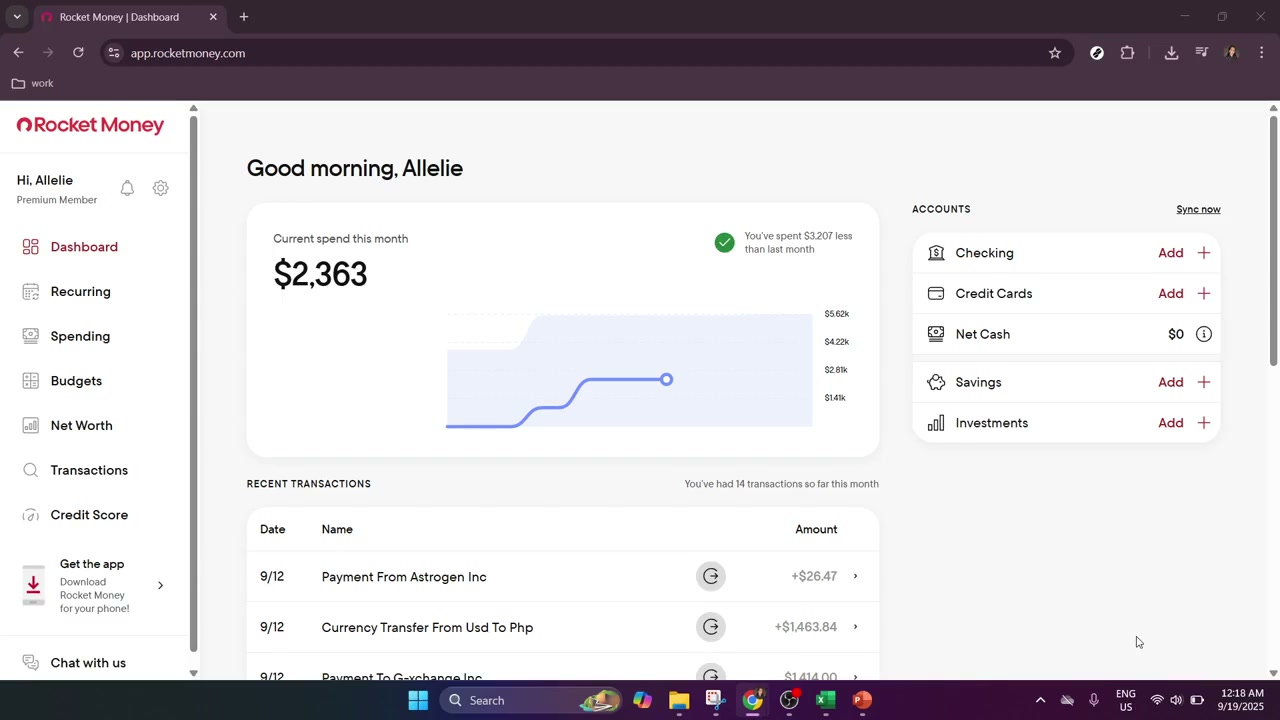
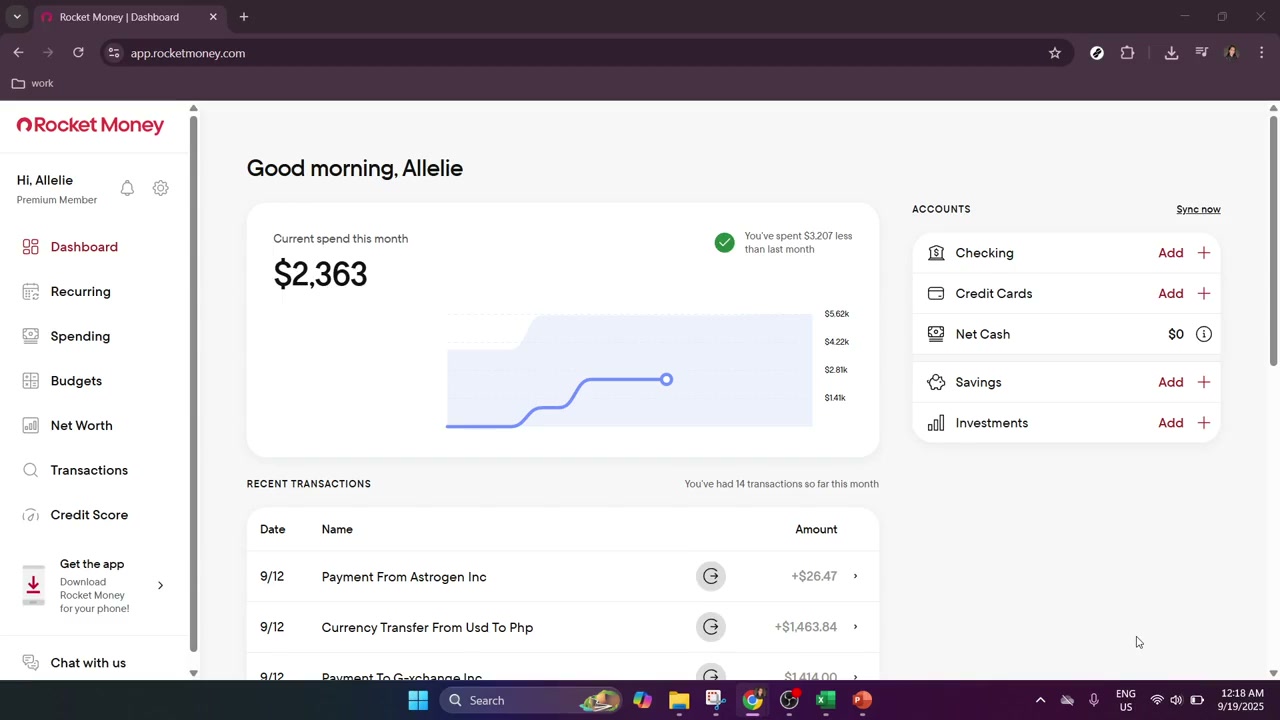
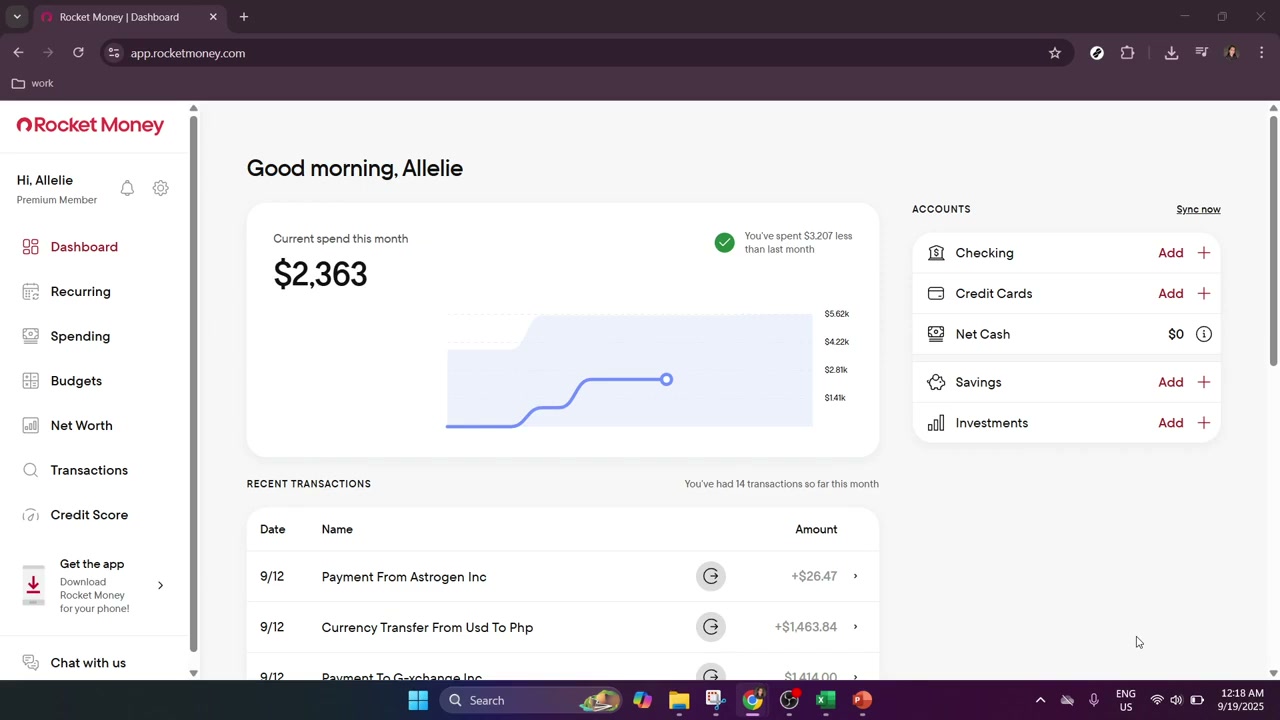
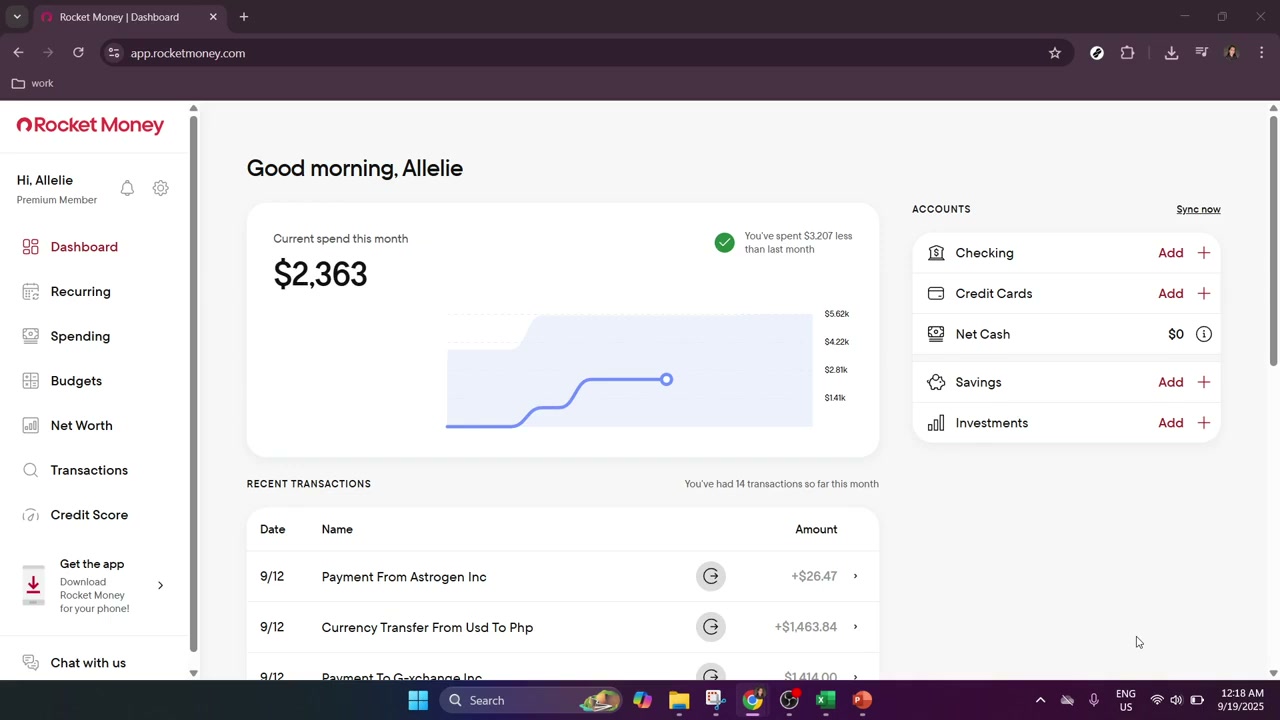
We are not paid by any tool listed here. If a cheaper or better option exists, that's what you'll see.
Pricing above was checked on 2026-09-18. Vendors change their terms without notice, and free tiers do get withdrawn. We take no money from any vendor listed here. If something on this page is out of date, tell us and we will correct it.
Watch the quick setup (58s)
Original tutorial by Tutorials With Trevor · Watch full video on YouTube →
How to set it up
- Connect bank and card accounts via Plaid
Download the Rocket Money app or log in via browser. Select your primary checking and credit card institutions to establish read-only aggregation via Plaid with 256-bit encryption.
- Navigate to the Recurring Subscriptions tab
Open the Recurring charges dashboard to review the automated list of active weekly, monthly, and annual subscriptions detected across your connected accounts.
- Flag and cancel zombie vendor charges
Identify obsolete SaaS accounts, duplicated tool subscriptions, or creeping rate hikes. Use Rocket Money's cancellation instructions or cancellation concierge to terminate the accounts at the vendor source.
- Configure low-balance and price increase alerts
Enable push and email notifications for recurring bill increases and low-balance thresholds so unexpected vendor debits never trigger overdraft fees.
Common questions
- Is Rocket Money free to use for finding subscriptions?
- Yes. The free tier covers account linking via Plaid, automatic transaction categorization, recurring subscription detection, and low-balance alerts. Premium features (custom budget categories, net worth tracking, cancellation concierge) cost between and /month (pricing checked 2026-09-18).
- Does Rocket Money have permission to move money or execute withdrawals?
- No. Data aggregation operates in read-only mode through Plaid. Rocket Money cannot move funds, initiate transfers, or alter your banking credentials.
Last reviewed 2026-09-18. Tools change — if something here is out of date, tell us and we'll fix it.
Got a different problem?
Using 3+ disconnected tools?
Stop duct-taping your business together. Book a Discovery Session — if we can't find you four hours a week, we refund the fee and you keep everything we found.